Start with the actual story in your video
A digital nomad thumbnail should communicate one situation: working from a cafe, coping with unreliable internet, or comparing two workspaces. Choose the situation that your video actually covers. A beautiful invented location can attract the wrong expectation if the video is about everyday work at home. The template below is a creative starting point, not a promise of more clicks.
The goal is a readable relationship between the person, laptop, and setting. Build that relationship first, then add a short title in an image editor. Treat AI-generated scenes as illustrations and avoid presenting a fictional travel experience as a documented trip.
The Golden AI Prompt (Copy-Ready)
AI Prompt Box
A cinematic, high-contrast 16:9 wide-angle shot of a young digital nomad with South Asian features, working on a glowing laptop. The setup is inside a cozy rustic wooden cafe in Bali, looking out towards lush green rice terraces. Warm golden hour sunlight filtering through tropical palm trees, professional photography style, shallow depth of field, sharp details on face, realistic skin texture, 8k resolution, shot on 35mm lens.
Output Example — Prompt 1
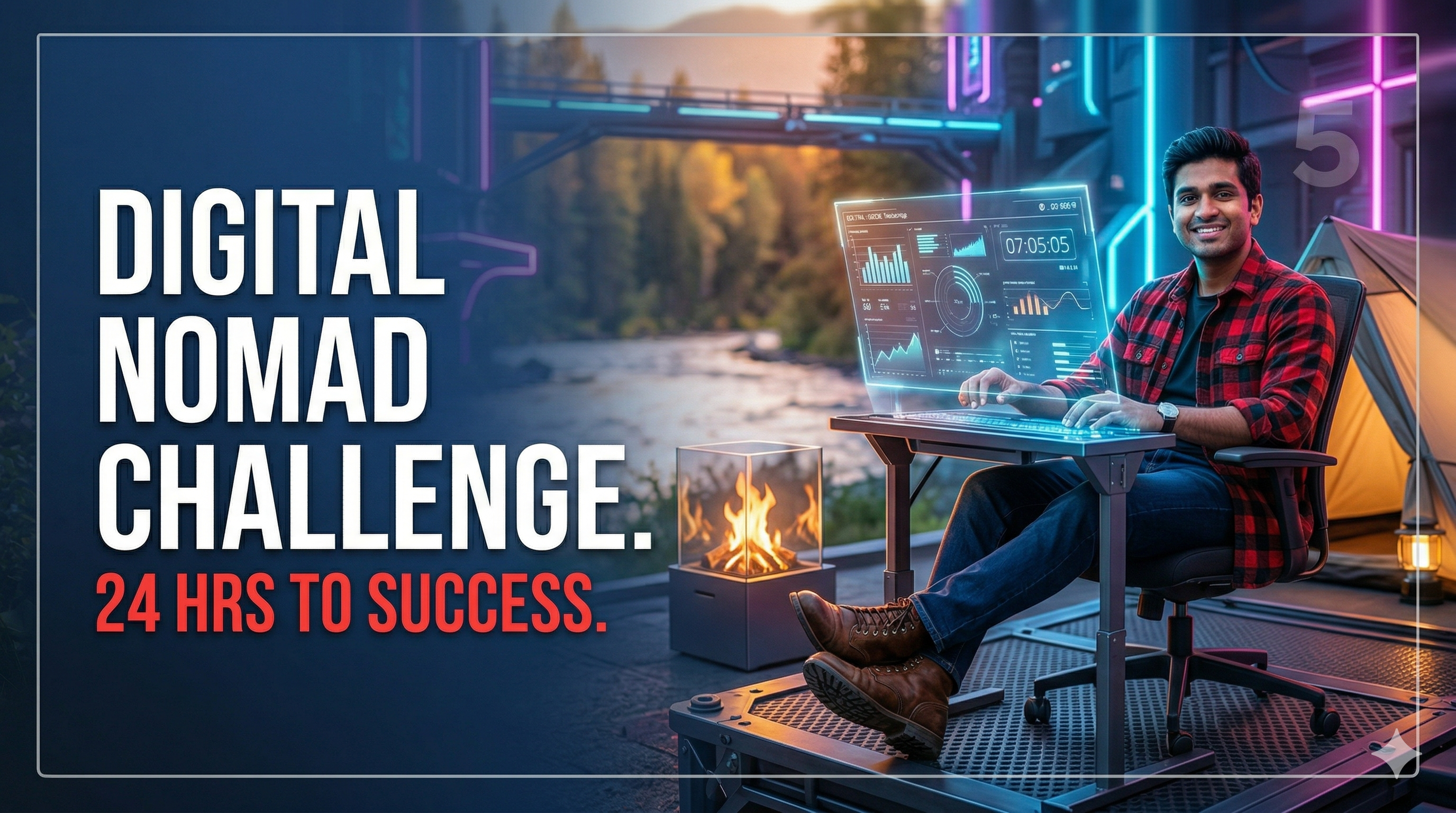
Author upload required: add a real output for Prompt 1, describe what is visible, and record the tool and version used.
Tool: Author must supply · Version: Author must supply
Prompt Variations For Different Vibes
Neon/Cyberpunk Nomad: 'A digital nomad working on a laptop at a futuristic cyberpunk desk in Tokyo at night. Glowing neon blue and magenta rim lights, rain-slicked street visible through the window, highly detailed, high-contrast, cinematic.'
Cozy Rainy Day Vibe: 'A cozy indoor setup with a digital nomad sitting next to a large window while it rains outside. A warm mug of coffee on the wooden table, soft mood lighting, realistic shadows, photorealistic details.'
Pro Tips for Customizing the Output
Choose a wide composition for a standard landscape video thumbnail. Place the face and laptop together on one side, leaving deliberate space on the other for text. Keep important details away from the bottom-right corner where a duration label may appear.
Add words after generating the illustration so spelling, contrast, and placement stay under your control. Use one short phrase that adds information to the video title instead of repeating the entire title.
Frequently Asked Questions (FAQs)
Q: Which image tool should I choose? - A: Use a tool whose image rights, reference controls, and export options fit your needs. This guide does not rank tools based on a comparative test.
Q: Can I reuse the image as a blog header? - A: Yes, if your usage rights allow it, but make a separate crop and check that the face and text remain legible in the new layout.
Worked layout: a day without reliable Wi-Fi
Imagine a video showing how you completed a workday when a cafe connection failed. A useful composition would put you and an open laptop on the right, a simple cafe window behind you, and empty dark space on the left. The headline could be OFFLINE DAY. It describes the problem without inventing an income claim or a luxury lifestyle. A concerned expression makes more sense here than an unrelated surprised face.
For the generation instruction, specify: Adult remote worker seated at a cafe desk on the right third of the frame, looking thoughtfully at a laptop, warm window light, uncluttered dark wall on the left, broad landscape composition, no lettering. This is an illustrative brief, not an observed result. Add the headline in your editor and compare white lettering with a pale yellow alternative. Keep the wording fixed while judging the contrast.
Make a second option that tests a real decision
For version B, keep the subject and headline but replace the cafe backdrop with a simpler close view of the desk. You are now comparing contextual scenery against a clearer face and laptop. Do not also change the headline, facial expression, and colour palette; otherwise the comparison cannot tell you which design choice helped.
View both exports at roughly the size they will occupy in a phone feed. Can you identify the person, understand the expression, and read the phrase without zooming? If the rice fields or background signs attract more attention than the person, reduce their contrast. If the laptop looks like an indistinct bright square, simplify its angle and remove tiny interface details that will not survive shrinking.
Before publishing the cover
Check hands, keyboard geometry, and screen reflections at full size. Ensure any inserted logo is one you are entitled to use and is not a claim of sponsorship. Watch the opening of your video next to the thumbnail: the cover should lead naturally into that material. An attractive cover cannot compensate for a mismatch between what it promises and what the viewer receives.
Check the current export recommendations in YouTube thumbnail help. Where available, use YouTube thumbnail testing to compare candidates. Evaluate results in the context of the video and audience; a single comparison does not establish that an AI style always improves click-through rate. Keep a record of the selected design and the reason for choosing it.