Introduction: Choose AI Tools by Study Task
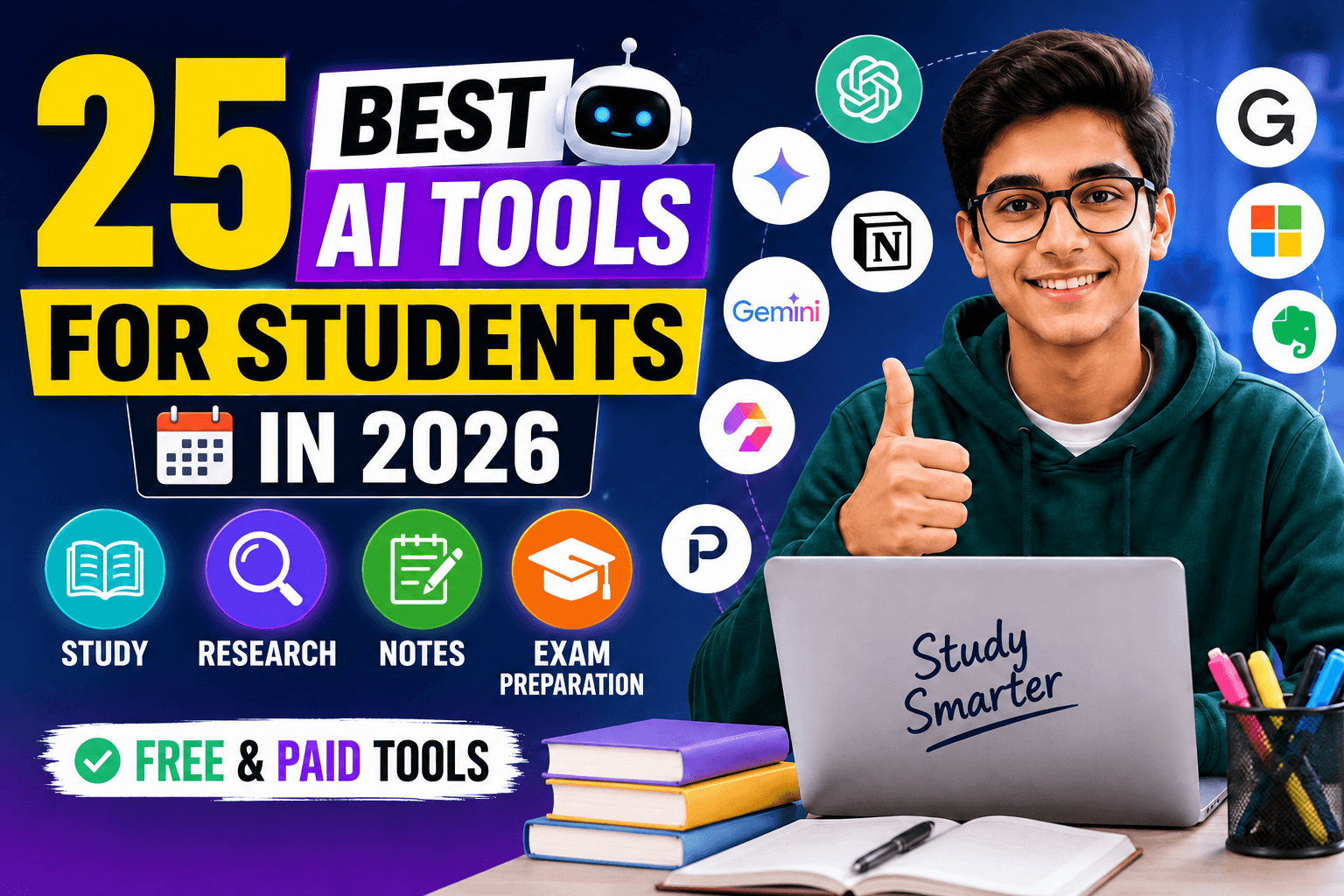
The best AI tool for a student is not necessarily the most popular chatbot. A useful tool should solve a specific study problem: understanding a concept, finding credible sources, remembering facts, improving a draft, checking maths, organizing deadlines or presenting an idea clearly. Installing many overlapping apps usually creates more distraction than progress.
This guide compares 25 free and paid tools by the job they can support. It does not claim that every feature is free or available to every account. Plans, limits and education access change, so verify current terms on the provider's official website before uploading work or paying.
Quick Picks for Common Student Needs
| Student need | Useful starting options | What to verify |
|---|---|---|
| Explain a difficult topic | ChatGPT, Gemini, Claude, Khanmigo | Facts, calculations and course method |
| Study from your own sources | NotebookLM, Adobe Acrobat AI Assistant | Page references and omitted context |
| Discover academic research | Elicit, Consensus, Perplexity | Original paper, author, date and methods |
| Memorize and revise | Anki, Quizlet, RemNote | Card accuracy and active recall |
| Improve writing | Grammarly, LanguageTool, QuillBot | Meaning, voice, citations and class policy |
| Maths practice | Wolfram Alpha, Photomath, GeoGebra | Steps, assumptions and independent attempt |
| Presentations | Canva, Gamma | Evidence, licensing and readability |
| Organize study | Notion, Zotero | Accurate deadlines and reference metadata |
Best minimal stack: choose one explanation tool, one recall system and one source-management tool. Add a specialist app only when it solves a recurring problem that the basic stack cannot.
How These Tools Were Selected
Selection focused on distinct student jobs rather than a universal ranking. The criteria were learning value, usefulness across real coursework, ability to verify output, ease of adoption, privacy considerations and whether a tool adds something different from a general chatbot.
No numerical scores are used because features, limits and student access change quickly and a single score hides the most important question: whether a tool fits your subject, institution rules and workflow. The strengths and limitations below are decision guidance, not claims of personal laboratory testing.
1. ChatGPT
General study assistant
Best use: ChatGPT can explain concepts at different difficulty levels, help turn notes into questions, critique an outline and suggest a study plan. It is most useful when you provide the syllabus, your attempt and the exact point where you are stuck.
Important limitation: It can invent facts, citations and calculations. Do not submit its first draft as coursework; verify claims against textbooks or primary sources and rewrite the result in your own reasoning.
2. Google Gemini
Multimodal study help
Best use: Gemini is useful for questions involving text, images and documents and fits naturally into Google-based student workflows. A student can upload a diagram, ask for a step-by-step explanation and then request a fresh practice problem.
Important limitation: Outputs and connected features vary by account and region. Check calculations and time-sensitive information independently.
3. Claude
Long documents and clear explanations
Best use: Claude is well suited to organizing long notes, comparing arguments and improving the structure of a draft. Ask it to work only from supplied material when you need a source-bound summary.
Important limitation: A polished answer can still contain unsupported conclusions. Keep page references beside extracted notes and inspect every quotation.
4. NotebookLM
Source-grounded revision
Best use: NotebookLM lets students work with a collection of their own sources. It is a strong choice for building revision guides, asking questions across lecture material and tracing an answer back to uploaded sources.
Important limitation: Its usefulness depends on the quality and completeness of the sources you provide. It does not make an outdated handout current or an unreliable source authoritative.
5. Perplexity
Research discovery
Best use: Perplexity can help identify sources and develop a map of a new topic. Use it to find promising leads, then open and evaluate the original pages before adding information to an assignment.
Important limitation: Citations are not automatic proof that a claim is supported. Check the cited passage, author, date and publication quality yourself.
6. Microsoft Copilot
Microsoft 365 workflows
Best use: Copilot is useful for students already working in Microsoft's ecosystem. Depending on the account and product, it can help brainstorm, explain a topic and support document or presentation workflows.
Important limitation: Institutional access and included features differ. Never upload confidential school records or another person's information without permission.
7. Khanmigo
Guided tutoring
Best use: Khanmigo is designed around guided learning rather than simply handing over an answer. It can be useful for students who want questions, hints and structured practice alongside Khan Academy material.
Important limitation: Availability, subjects and pricing can vary. It should complement the assigned curriculum and teacher guidance.
8. Quizlet
Flashcards and practice
Best use: Quizlet helps convert terms, definitions and class material into repeatable review activities. It works best when students edit generated cards and remove ambiguous or incorrect items before memorizing them.
Important limitation: Community sets can contain errors, and recognition is not the same as recall. Include written practice and past questions in the revision plan.
9. Anki
Spaced-repetition memory
Best use: Anki is a flexible flashcard system for facts, vocabulary, formulas and concepts that need long-term recall. Its scheduling is especially valuable for language study, medicine and exam preparation.
Important limitation: Poorly designed cards create shallow memorization. Keep one idea per card, include context and review difficult concepts outside the app.
10. RemNote
Connected notes and flashcards
Best use: RemNote combines structured notes with spaced-repetition prompts. It suits students who want lecture notes and recall practice in the same workspace.
Important limitation: The setup can feel complex at first. Start with one subject and a small card set instead of importing everything.
11. Notion
Study organization
Best use: Notion can organize course pages, deadlines, reading lists, project status and revision databases. Its AI features may help restructure notes or create a first-pass checklist from material you provide.
Important limitation: Building an elaborate dashboard can become procrastination. Track only information that changes a decision or study action.
12. Grammarly
Writing feedback
Best use: Grammarly can flag grammar, spelling, clarity and tone issues in essays, emails and applications. Review each suggestion rather than accepting all changes automatically.
Important limitation: It does not verify facts or strengthen a weak argument. Institutional rules may also restrict AI-assisted rewriting.
13. LanguageTool
Multilingual grammar checking
Best use: LanguageTool offers spelling and style feedback across multiple languages and can be useful for students writing outside their first language.
Important limitation: Language rules depend on context. A technically correct suggestion can still change meaning or voice, so reread the complete sentence.
14. QuillBot
Paraphrasing and revision support
Best use: QuillBot can help students compare alternative sentence structures, shorten wordy passages and identify unclear phrasing. A responsible workflow starts from your own draft and uses suggestions selectively.
Important limitation: Paraphrasing copied material does not remove the need for citation and may violate academic rules. Do not use it to disguise plagiarism.
15. DeepL
Translation and language comparison
Best use: DeepL can provide translation drafts and alternative wording for supported languages. Language learners can compare the output with their own attempt and investigate why particular constructions differ.
Important limitation: Translations may miss cultural, technical or legal nuance. Do not upload confidential material, and use qualified review for high-stakes documents.
16. Elicit
Academic literature discovery
Best use: Elicit can help frame a research question, discover papers and organize evidence from scholarly literature. It is useful at the exploration stage of a literature review.
Important limitation: Coverage is not exhaustive and extracted details need confirmation in the paper. Read the methods and limitations, not only an AI summary.
17. Consensus
Research-question exploration
Best use: Consensus helps search research literature using natural-language questions and can surface papers relevant to a claim. It is a starting point for evidence discovery, not a substitute for reading sources.
Important limitation: Scientific findings depend on study design, population and uncertainty. Avoid turning a limited result into a universal conclusion.
18. Wolfram Alpha
Maths and computational knowledge
Best use: Wolfram Alpha is useful for checking calculations, plotting functions and exploring mathematical or scientific relationships. Compare its steps with your own attempt to locate the first mistake.
Important limitation: Do not copy a result without understanding units, assumptions and notation. Course-specific methods may differ from the displayed approach.
19. Photomath
Step-by-step maths support
Best use: Photomath can scan many maths problems and show solution steps, making it useful for diagnosing an error after a genuine attempt.
Important limitation: Camera recognition and generated steps can be wrong or use an unfamiliar method. Re-solve the question without the app to test understanding.
20. GeoGebra
Interactive maths visualization
Best use: GeoGebra helps students explore geometry, algebra, graphs and calculus visually. Changing one parameter at a time can make an abstract relationship easier to understand.
Important limitation: A visual result is not a proof. Record the mathematical reasoning and check whether the construction matches the question's conditions.
21. Canva
Presentations and visual assignments
Best use: Canva helps create slides, posters, diagrams and simple visual explanations. Templates can save setup time, while AI-assisted features can help develop a first visual direction.
Important limitation: Templates do not guarantee clear communication. Cite external assets, follow licensing rules and keep slides readable rather than decorative.
22. Gamma
Fast presentation drafts
Best use: Gamma can turn an outline into a presentation-style draft, which is useful when a student already understands the topic and needs help organizing the story.
Important limitation: Generated slides may contain generic copy, weak evidence or unsuitable images. Replace claims with verified course material and rehearse the final narrative.
23. Otter.ai
Lecture and meeting transcription
Best use: With permission, Otter can create searchable transcripts and help students revisit discussions or interviews. Add timestamps and corrections while the context is still fresh.
Important limitation: Transcription errors are common with accents, specialist vocabulary and noisy audio. Obtain consent before recording and follow institutional privacy rules.
24. Adobe Acrobat AI Assistant
Working with PDFs
Best use: Acrobat's AI features can help navigate and summarize supported PDFs, identify sections and generate questions about a document. It is useful for long readings when paired with page-level checking.
Important limitation: A summary can omit qualifications, tables or footnotes. Open the cited page and verify important statements in the original PDF.
25. Zotero
Citation and source management
Best use: Zotero is not a generative chatbot; it is included because reliable source management is essential in an AI-assisted workflow. It stores references, PDFs, notes and citation metadata so students can trace where claims came from.
Important limitation: Imported metadata sometimes needs correction. Check author names, dates, titles and citation style against the original publication before submission.
A Responsible Five-Step Student Workflow
- Attempt first: write what you understand or solve the first steps yourself.
- Ask narrowly: request a hint, critique or explanation of the first incorrect step.
- Verify: check textbooks, official documentation, primary research or your teacher's material.
- Transform: create your own notes, examples and explanation instead of copying output.
- Retest: close the AI tool and answer a new question without assistance.
For competitive-exam workflows, see our free AI tools for SSC, Banking and Railway students. College students can also compare our narrower college AI tools guide.
Privacy, Accuracy and Academic Integrity Checklist
- Do not upload student IDs, grades, medical records, unpublished research, exam papers or another person's data without authorization.
- Check whether your institution permits AI assistance for the specific assessment.
- Never cite a source you have not opened and read.
- Keep prompts and revision history when disclosure is required.
- Check calculations independently and confirm units.
- Use accessibility features responsibly and ask your institution about approved accommodations.
- Review current age requirements, privacy terms and data controls on each official product page.
An AI detector is not a reliable substitute for clear academic rules and evidence of authorship. Students should be able to explain their reasoning, sources and revision process.
Which AI Tool Should You Choose?
School students: prioritize guided explanation, safe source material and teacher-approved practice. College students: add reference management and literature discovery. Language learners: combine translation or grammar feedback with speaking and writing practice. Competitive-exam aspirants: prioritize recall, error logs, timed practice and official notifications.
Before subscribing, test one real weekly task on the free or institution-provided option where available. Compare the time saved, errors introduced, privacy trade-offs and whether you learned enough to repeat the task independently.
Frequently Asked Questions
Q1: What is the best free AI tool for students?
A: There is no single best option. A general assistant may help explain concepts, while NotebookLM is better for supplied sources and Anki is better for long-term recall. Choose by task and verify current free limits.
Q2: Can students use AI for assignments?
A: Only within the rules set by the teacher or institution. Brainstorming, feedback or grammar help may be allowed when undisclosed answer generation is not.
Q3: Can AI citations be trusted?
A: No citation should be trusted without opening the original source and checking that it supports the exact claim.
Q4: How many AI tools does a student need?
A: Most students can begin with three: one explanation tool, one recall system and one source or task organizer.
Q5: Is it safe to upload lecture notes and PDFs?
A: Check ownership, institutional rules and the provider's privacy controls first. Do not upload confidential, copyrighted or personal material without permission.
Final Recommendation
Start with a learning problem, not an app list. Use AI to expose gaps, organize verified material and generate practice; then test yourself without assistance. The strongest student workflow produces clearer thinking and traceable sources, not merely faster output.
Students comparing the major general assistants can read ChatGPT vs Gemini vs Claude for students. For practical prompt patterns, see 10 ChatGPT prompts for students.